
Email extractor
A browser extension that collects email addresses from the pages you visit and exports them to CSV. On search engines it can work through the results for you.
Features
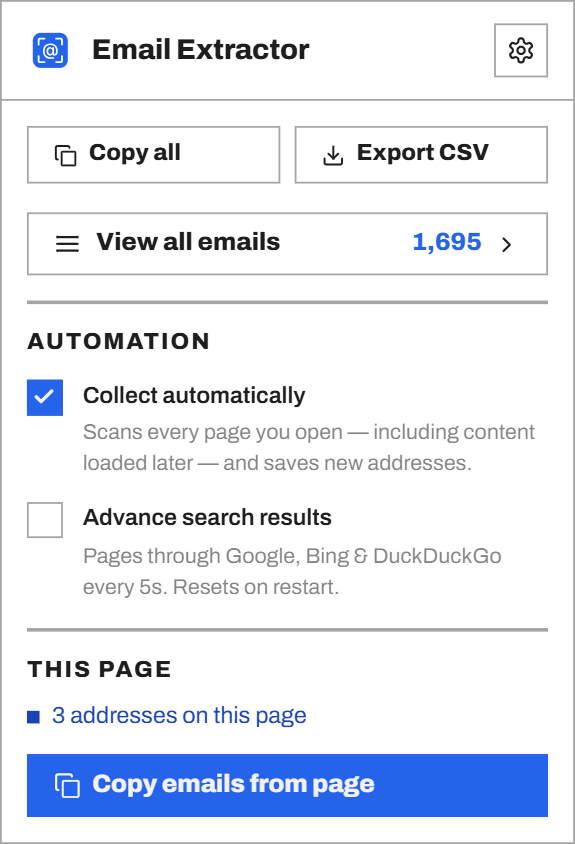
Automatic extraction
The extension reads every page you open, including content that scripts load in later. You do not have to click anything.
Auto Search
Turn it on and the extension works through Google, Bing and DuckDuckGo results by itself. It stops when it reaches the last page.
Copy from this page
Grab the addresses on the page you are looking at and put them straight on your clipboard.
Finds obfuscated addresses
It catches addresses written to dodge scrapers, such as "user [at] domain.com", as well as plain text and mailto links.
Live count on the toolbar
The extension icon shows a running total of everything collected so far.
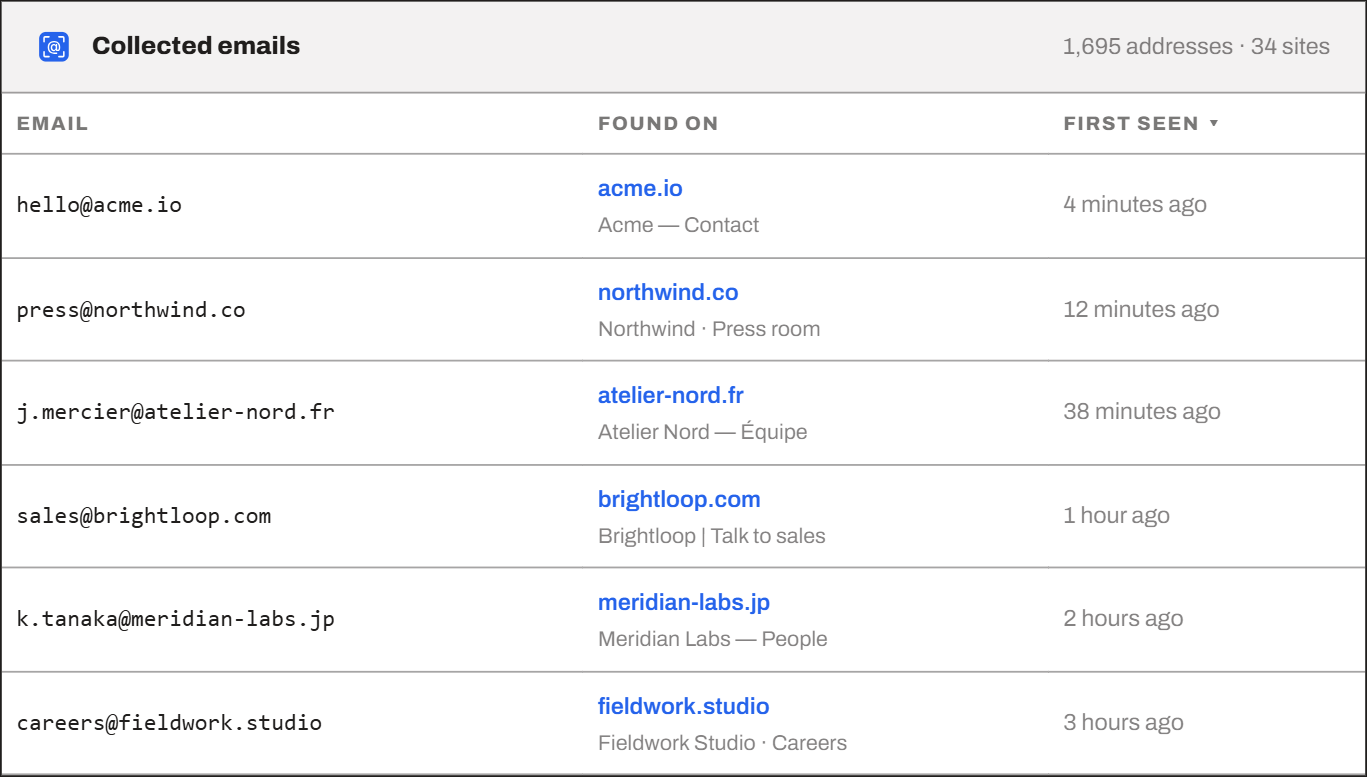
Source for every address
Each address keeps the site it came from, the page title, and the date it was first seen.
Searchable list
All collected emails sit in one full-page table you can search and sort. Delete them one at a time or in bulk.
CSV export
Export the list with the source and date of every address. The free plan exports the first 500, and Premium exports all of them.
Blacklists
Skip sites you never want scanned, such as your webmail, and filter out junk addresses with wildcards like *@example.com or *noreply*.
Every address you find, in one searchable list
Filter by site or page. Copy the list, or export it to CSV.
Start extracting emails
Install the extension and it starts working right away. You only need an account if you upgrade to Premium.
Add to Chrome